No hosted account
No service account, cloud workspace, or hosted relay sits between the app and your documents.
 Airgap
Download
Airgap
Download
Airgap for macOS, Windows & Linux
Airgap lets you query PDFs, Markdown, and text files with local retrieval, local generation, and citations back to the page. Documents never leave your machine.

Overview
Airgap builds a private vector index for each vault on your Mac. It parses documents, retrieves the relevant chunks, runs a local language model, and links answers back to the original source pages.
It is designed for local research workflows where precision, provenance, and data residency matter more than cloud convenience.
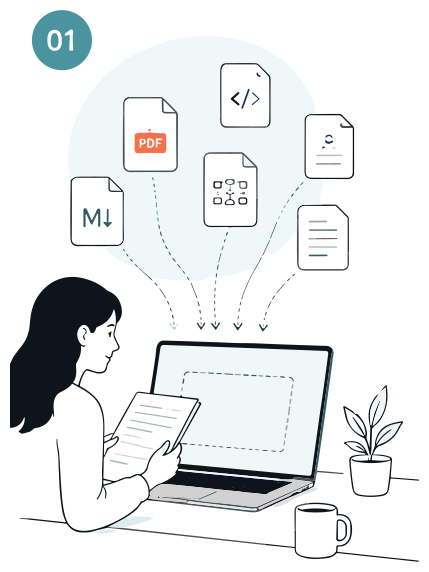
Add everything in one place. Docs, code, diagrams, notes, and decisions.
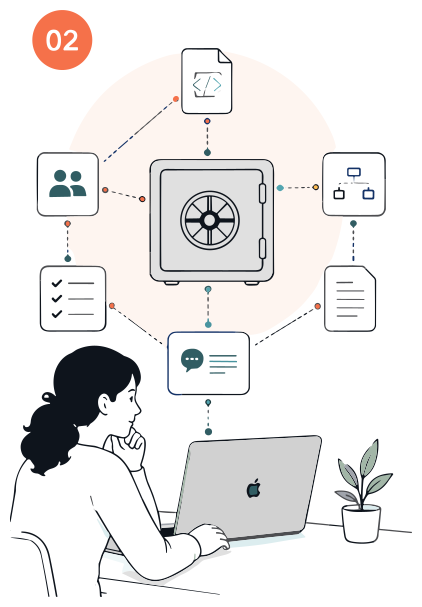
Your team's knowledge becomes a connected, private resource that stays with the project.
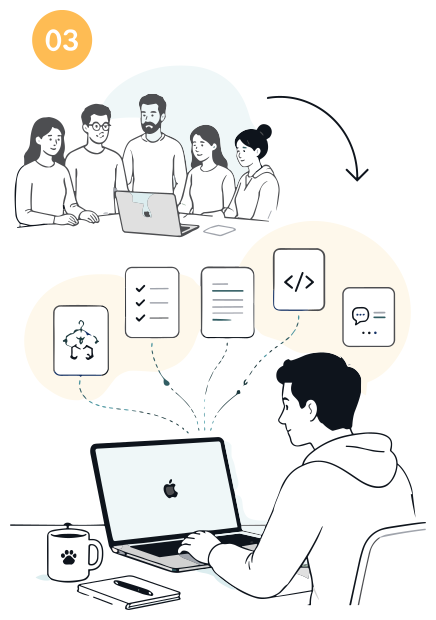
New people get up to speed quickly and can ask anything about the project.
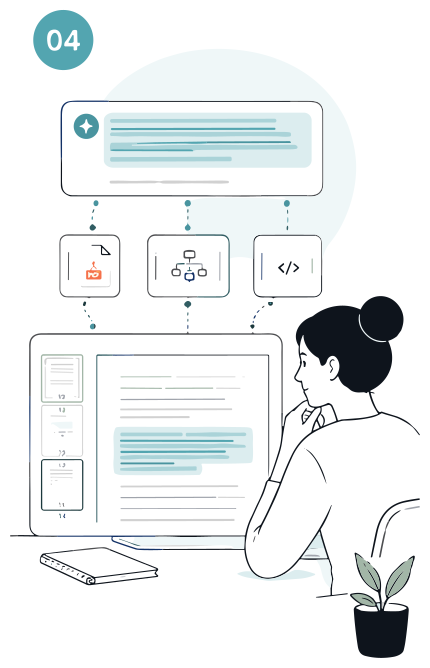
Every answer cites the exact sources with paragraph-level evidence and highlights.
Security model
No service account, cloud workspace, or hosted relay sits between the app and your documents.
Vaults are ordinary files in the app’s own data directory, protected at rest by the disk encryption your machine already has — FileVault, BitLocker, or LUKS. Nothing is uploaded to be indexed.
Ingest, retrieval, and generation continue with Wi-Fi disabled after models are available locally.
Model backends